
For creatives like you and me, planning a beautiful website design is such a fun part of the website-building process! Putting together color palettes, choosing fonts, and browsing photography for your site is fun because you’re building something for your business that represents who you are to the world.
Part of the web design process is creating a Website Style Guide! In this post, we will cover what a website style guide is and why having one will save you a LOT of headaches when designing your website.
Make sure to stick around ’til the end, where you’ll find a free Canva template link to the Website Style Guide I created and use myself! You don’t need a Canva account to use it, and I think you’ll find it really helpful.
Let’s dive in!

What Is a Website Style Guide?
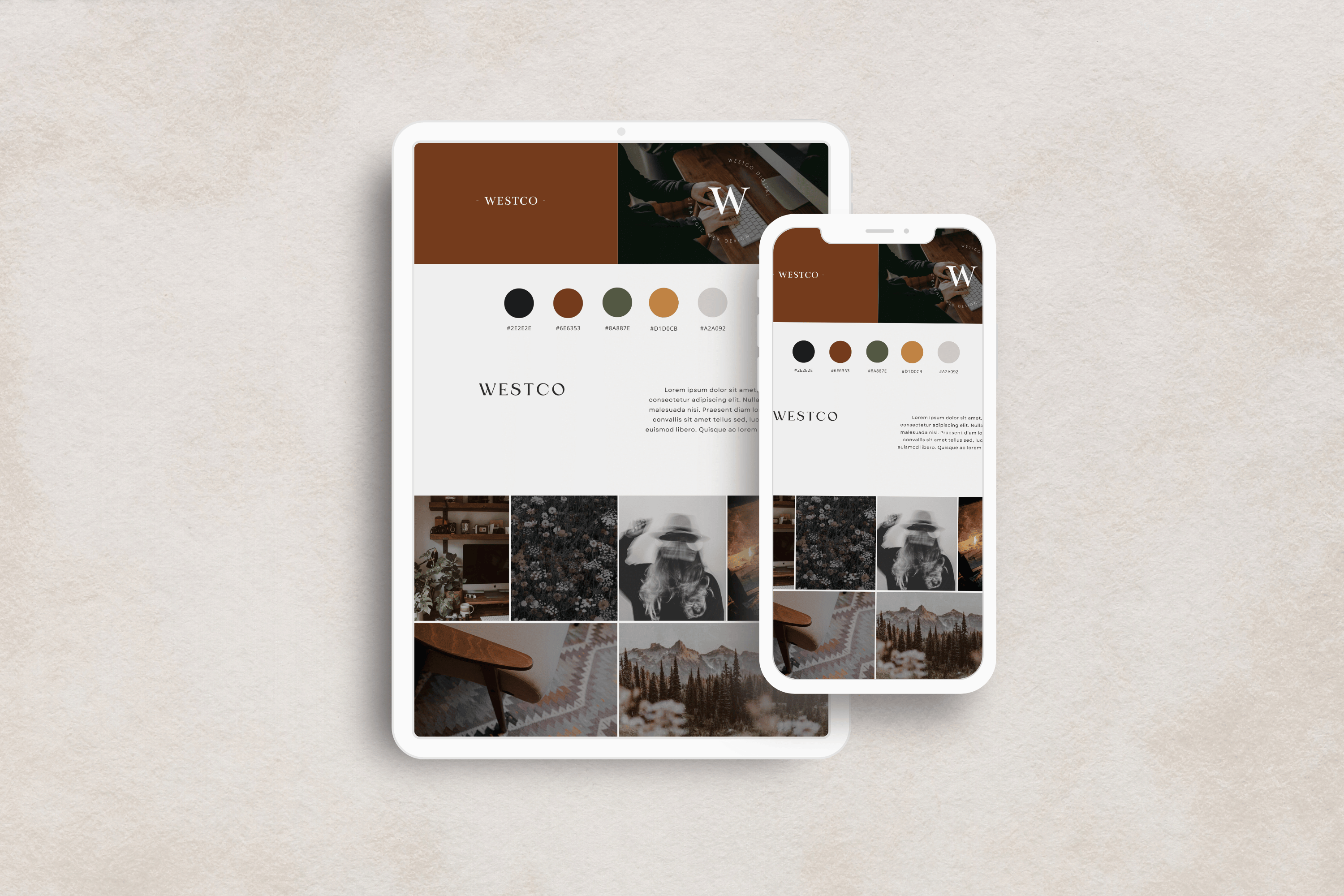
A website style guide is the blueprint for how your design will look. It specifics colors, fonts, and branding so that when you’re designing your site, you can refer to the style guide to ensure you’re using consistent style across your site.
It’s a comprehensive document that ensures every page on your site follows the same design principles, from fonts to colors to button styles.
Think of it as your go-to reference to keep everything looking polished and professional.
Why You Need a Website Style Guide
A website style guide is a helpful tool in the design process. You can use it to help you stay on track when designing your website, or you can hand it off to a web designer so they can create a website that matches your brand to a T. It helps keep your design consistent and your design choices aligned with your overall brand and vision.
How To Create a Website Style Guide
You don’t need to be a design expert to create a solid website style guide. Here are a few tools that can help:
- Canva: A user-friendly design tool that’s perfect for creating visual guidelines. You can easily create templates for your fonts, colors, and more.
- Unsplash: A fantastic resource for finding high-quality, royalty-free images that align with your brand’s aesthetic.
- Coolors.co: If you’re looking for colors you love but aren’t sure if they go together, check out this tool. Coolors.co makes it easy to generate and explore color palettes and they give you the hex codes (the CSS code of the color). You can even save your palettes for future reference.
- Pinterest: Pinterest is a great place for gathering inspiration and exploring ideas. Create a board to pin all your website style inspiration.

What to Include in A Website Style Guide
Now that you know the importance of a website style guide and have some design tools at your disposal, let’s break down exactly what you need to include in your own website style guide.
Logos: Primary and Secondary
Your logo is a key element of your brand identity, so it’s important to include it in your style guide. Include your primary logo (the main logo you use) and the secondary logo (an alternate version of your logo, like an icon or submark).
Fonts
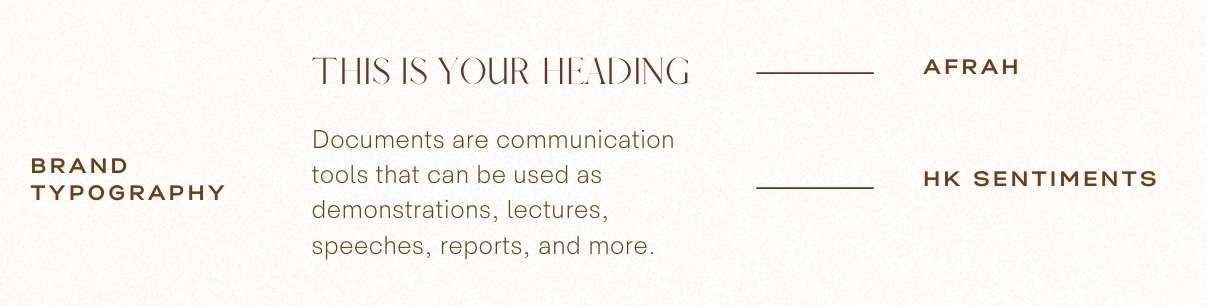
Another big part of your website design is choosing what fonts to use! You’ll want fonts that feel like your brand while still being legible and easy to read. Typically, style guides have three different fonts: one for headings, one for paragraph text, and an accent font. While these fonts are distinct, they should work harmoniously while fulfilling different roles.
Heading Font: For headings and sub-headings, you’ll want a font that stands out while also being legible. Headings set the tone for your content and establish hierarchy, so make sure they’re attention-grabbing. Opt for a font with strong character and clear readability, especially at larger sizes.
Body Font: Legibility is key here. The body font should be easy to read, especially in long paragraphs. Stick to clean, simple fonts that don’t strain the eyes, and choose a font size accessible for many to read on various devices.
Accent Font: The accent font is used sparingly in website design. It can add personality to certain elements, like quotes or callouts in the content, without overwhelming the design. It can be more decorative and unique but should still complement the heading and body fonts.
Colors (And Their Hex Codes)
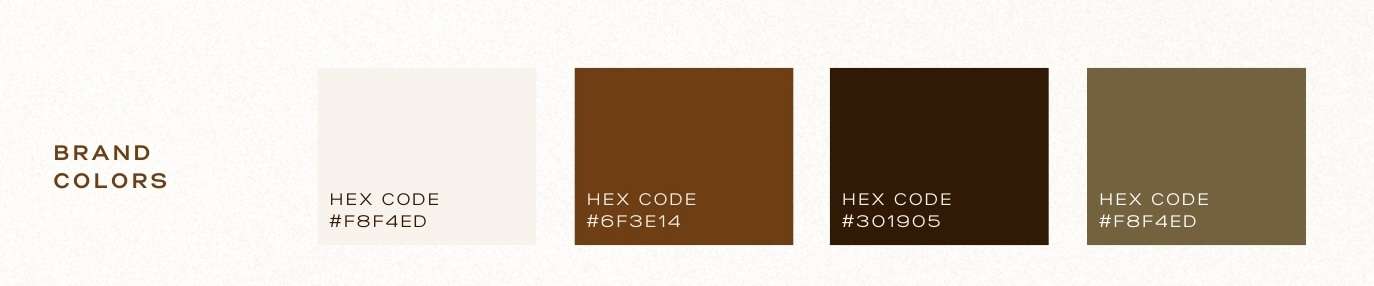
Choosing colors for your website is one of the most critical aspects of design because color has a profound impact on how visitors perceive and interact with your site. The right color palette can evoke specific emotions, convey your brand’s message, and influence user behavior. A well-chosen color scheme not only enhances the aesthetics but also improves readability, accessibility, and overall user experience. By strategically selecting colors that align with your brand and audience, you create a cohesive and memorable visual identity that sets your website apart.
Finding Color Codes a.k.a. Hex Codes
In web design, colors are defined by their hex code. A hex code is a six-digit combination of numbers and letters used to represent a specific color in web design and other digital projects. You can use tools like ColorZilla or Photoshop to find a color’s hex code.
A hex code looks like this: #FF5733.
You’ll need the hex code for the colors you pick because that will be the color code your web designer uses across your site.
Buttons
Buttons are where your visitors take action. They are the foundational CTAs of your website and guide users through your content and pages.
Having a button-style hierarchy helps guide users through their journey on your site. By defining which buttons are most important and how they should look, you create a clear path for users to follow. This hierarchy also ensures that your design remains clean and organized, making it easier for visitors to find and complete their desired actions.
- Primary Button: This is the most important button on your site and should stand out the most. Use it for important CTAs like “Sign Up” or “Buy Now.” It’s the button you want your visitors to notice and click on first.
- Secondary Button: This button is used for less critical actions or alternative options. It should be noticeable but not as prominent as the primary button. Use it for actions like “Learn More” or “See Details.”
- Tertiary Button: This style is used for minimal actions or less important options. It might be a simple text link or a button with less emphasis. Use it for actions like “Cancel” or “Close.”
Inspiration Photos
Gathering inspiration for the mood board section of your website style guide is a step toward defining the visual direction of your website. Start by exploring a variety of sources, such as design blogs, Pinterest, Instagram, and even other websites that resonate with the aesthetic you envision for your brand.
Look for images that capture the mood, color schemes, textures, and styles that align with your brand’s identity. These could include everything from typography and layout ideas to images that evoke the emotions or atmosphere you want your website to convey.

Pulling It All Together
Now that you’ve contemplated what to include in your own website style guide, it’s time to pull it all together!
By thoughtfully considering each of these elements, your style guide becomes a powerful tool that ensures your website communicates your brand effectively and leaves a lasting impression on your audience.
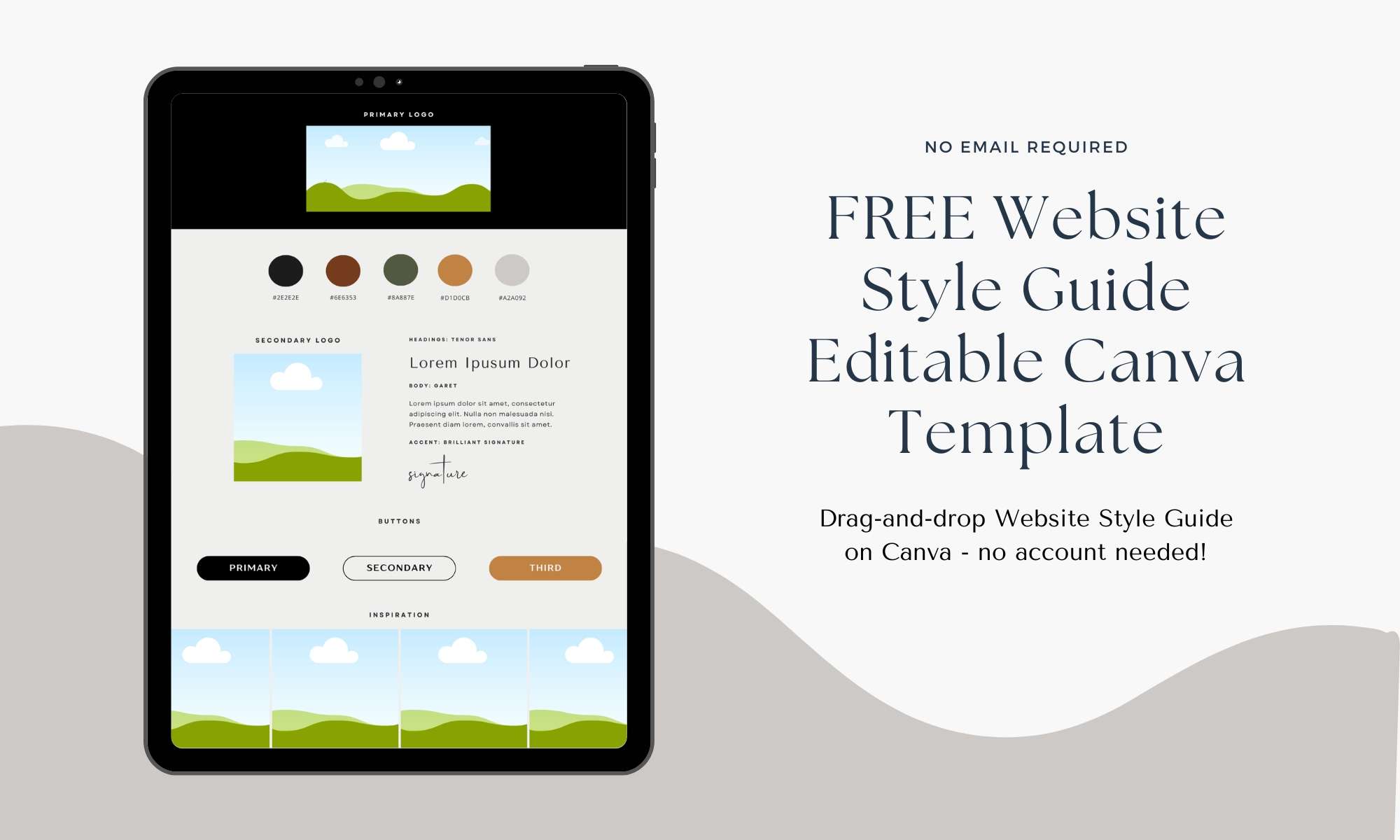
To help you get started, I’m including a link to a free Canva Template I created where you can customize your own Website Style Guide to fit your brand’s aesthetic.
Get my FREE Website Style Guide Canva Template!
I created this free Canva template with all the necessary elements discussed in those posts for a well-thought-out and curated website style guide.
Click here to get the Canva Template!




0 Comments